


Description
Download PicPlayPost Collage Maker Slideshow Video Editor APK – collage maker, slideshow video editor, photo video editor, video maker, free video editing app, android app, template-based video creation, social media video maker
Overview
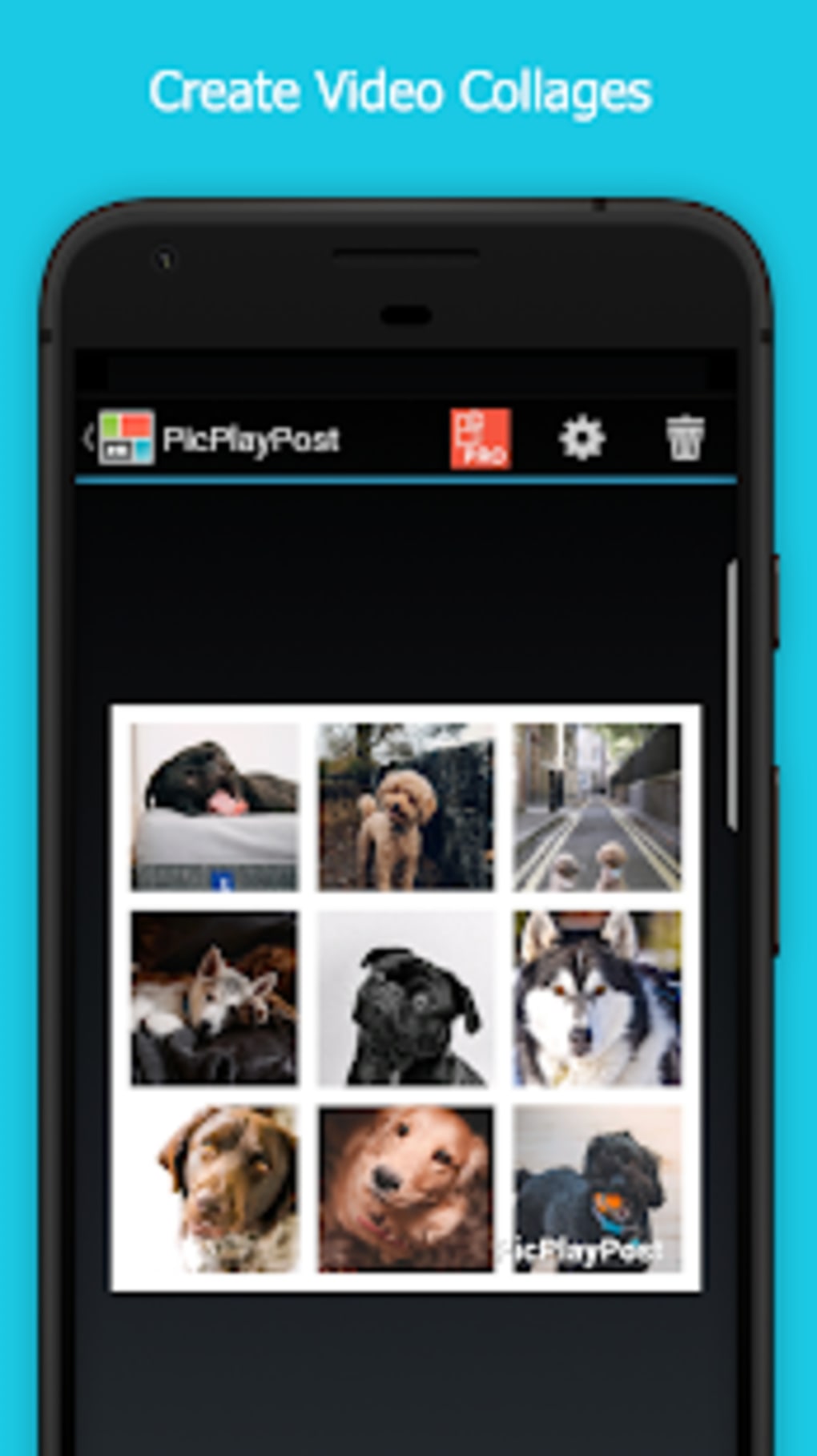
PicPlayPost is a mobile-focused video editing application designed for Android users seeking a fast and intuitive way to create visually engaging collages and slideshows. The app enables users to combine photos, videos, GIFs, and text into dynamic video content using thousands of pre-designed templates. It is tailored for individuals who want to produce shareable video content quickly, particularly for social media platforms such as Facebook, Instagram, Snapchat, YouTube, Tumblr, WeChat, and others. The software is suitable for both beginners and more experienced creators who value speed and ease of use over advanced manual controls.
By leveraging template-based design, PicPlayPost reduces the complexity of video editing, allowing users to focus on content rather than technical execution. The app supports real-time preview of edits, helping users visualize the final output before sharing. It is particularly useful for creating birthday tributes, travel highlights, event recaps, and promotional clips for personal or small business use. The developer, Flambe Studios LLC, has positioned the app as a go-to tool for social media creators who prioritize visual appeal and rapid content production.
While the app is free to download and use, optional in-app purchases are available to unlock premium features. No additional details about the developer’s background or corporate history were provided. The app’s functionality is limited to Android, and its performance may vary depending on device capabilities and operating system version.
Key Features & Capabilities
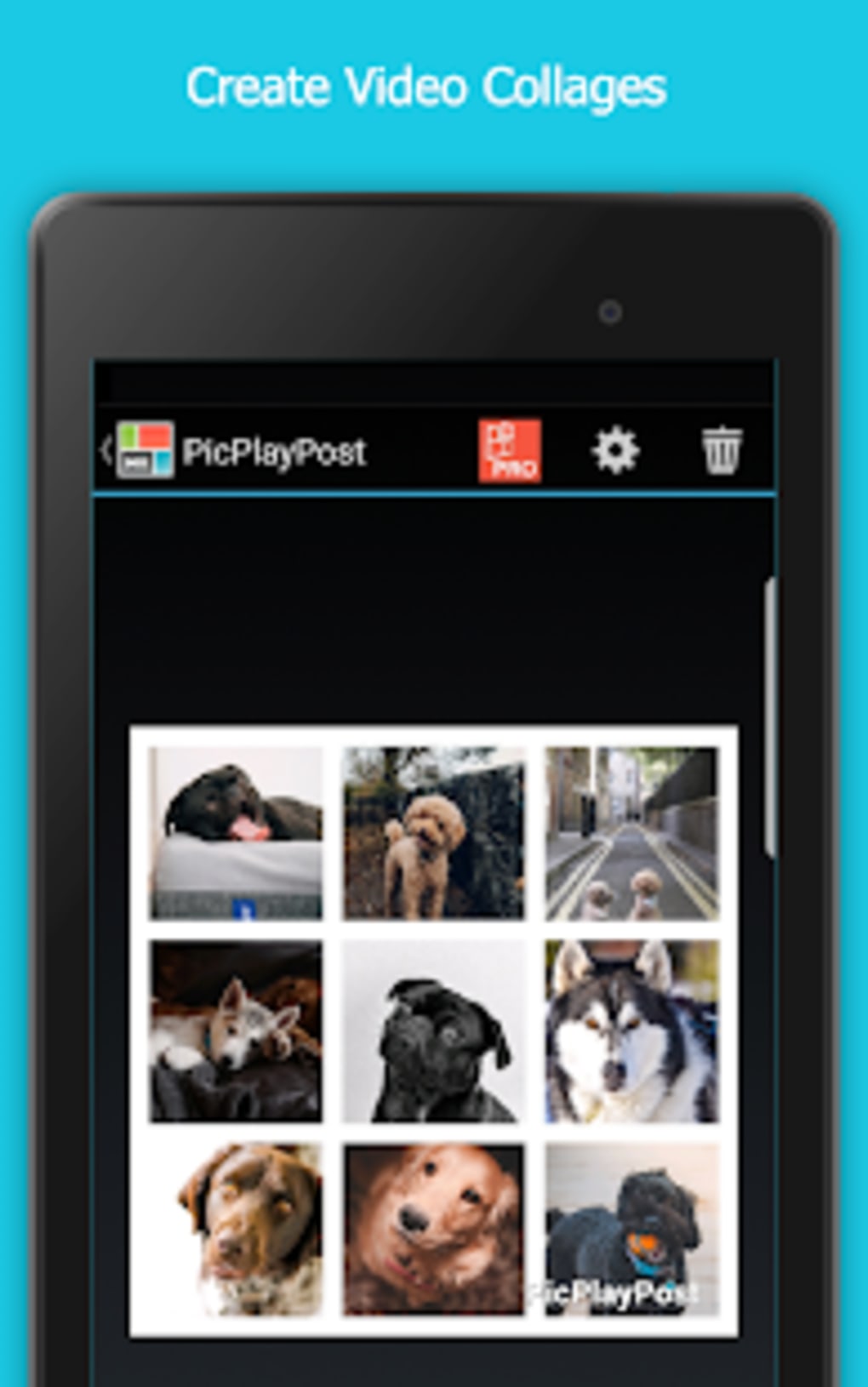
- Template-Based Video Creation: Access to thousands of pre-designed templates for collages and slideshows, enabling rapid video production without manual design work.
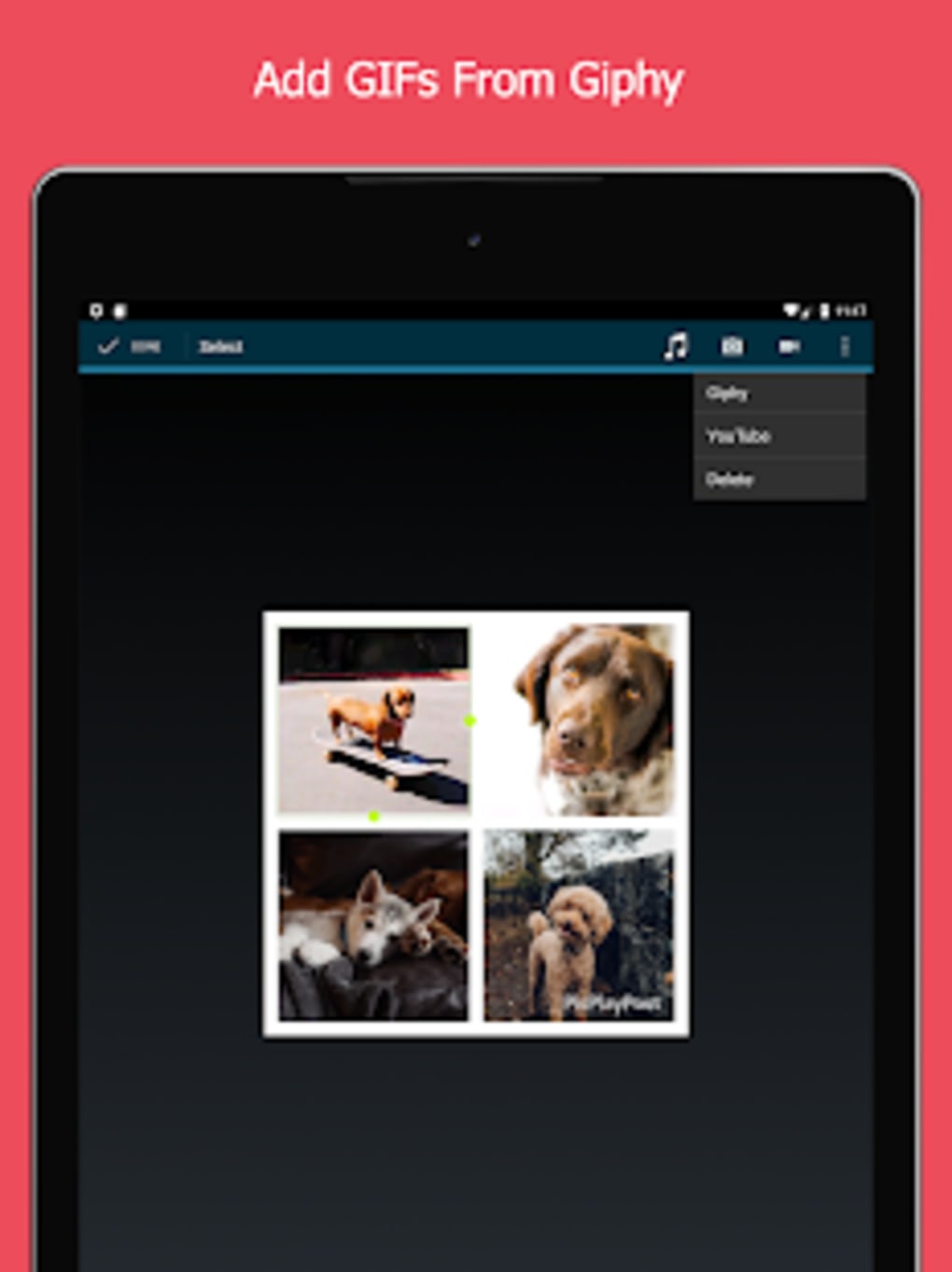
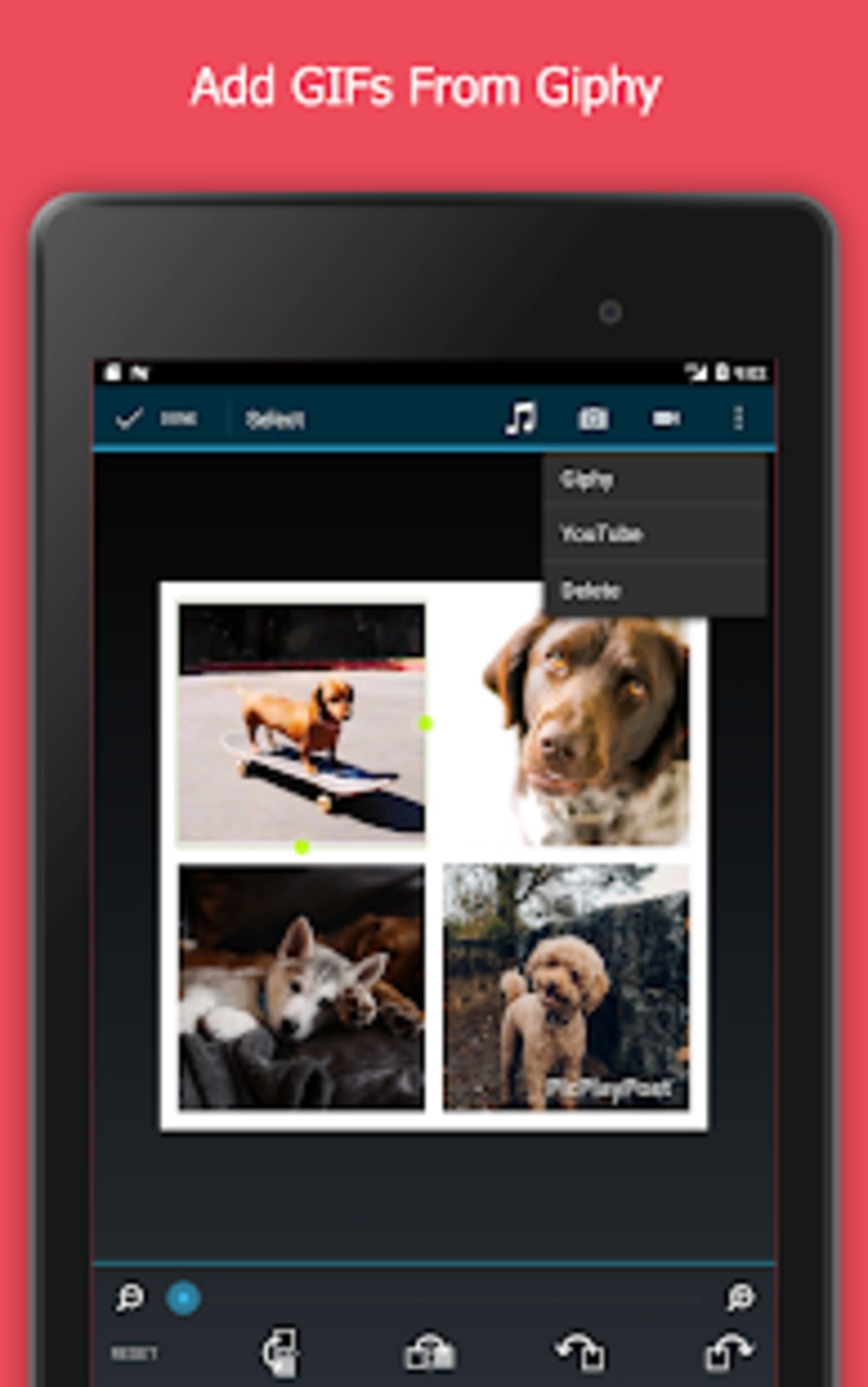
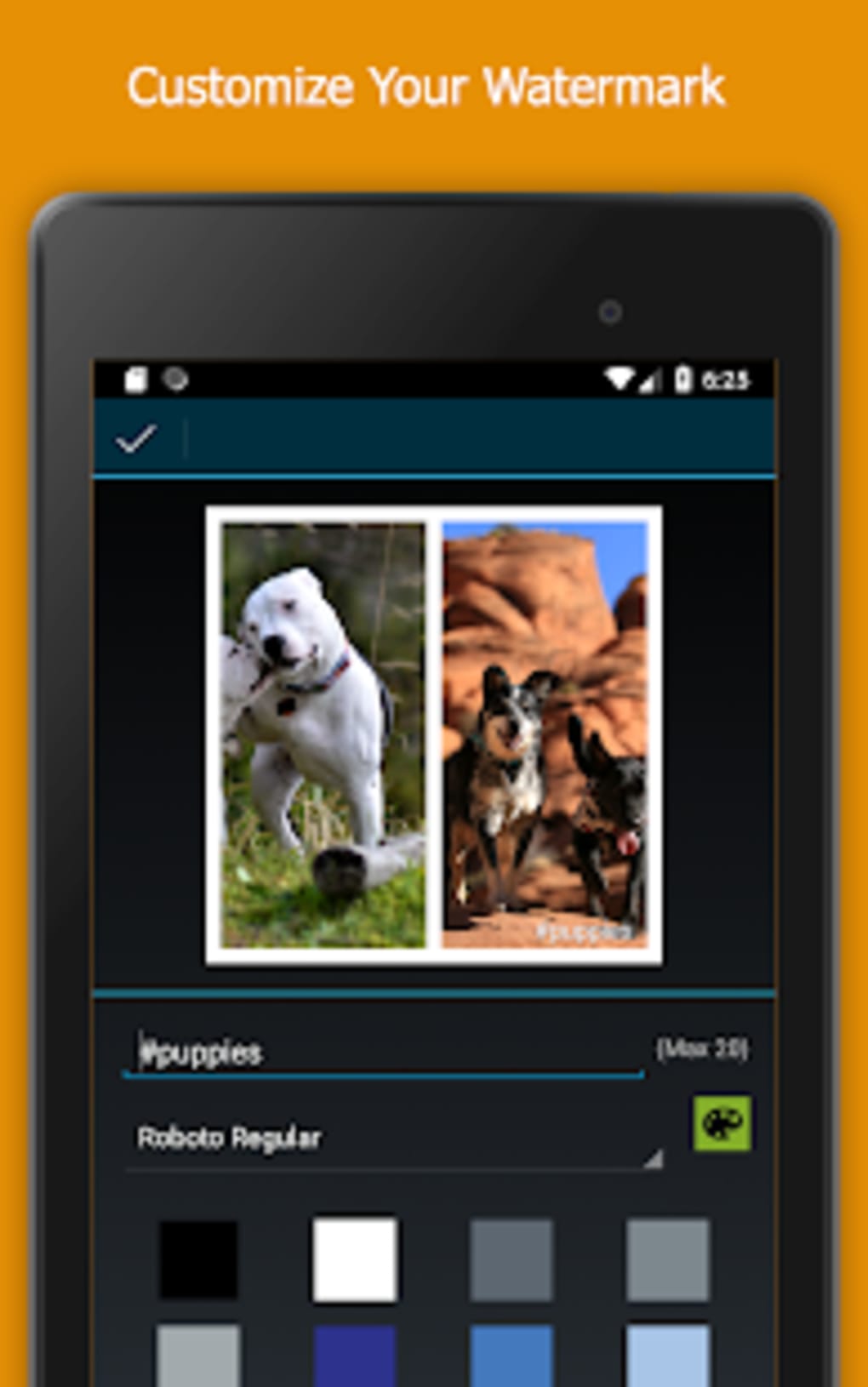
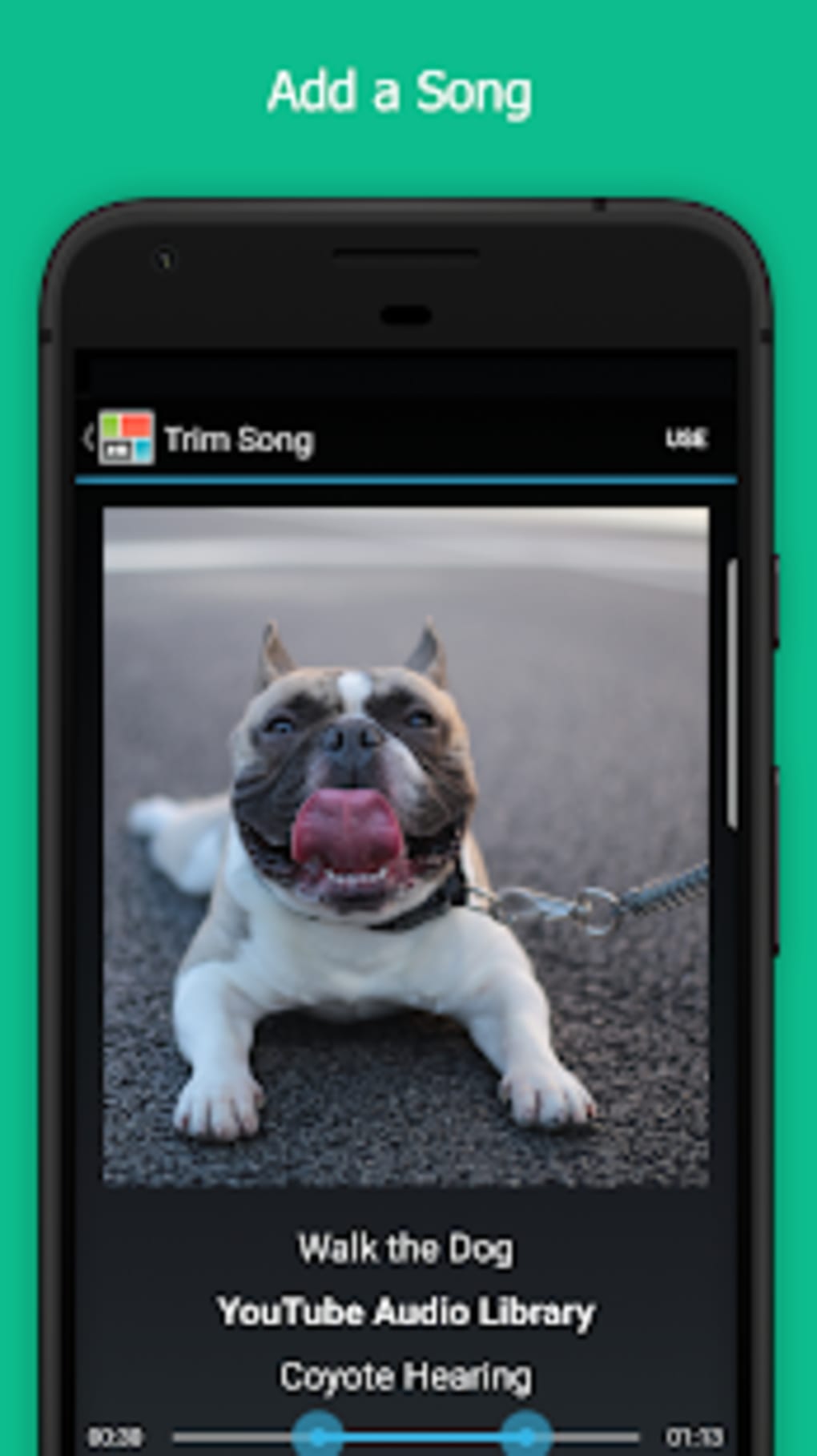
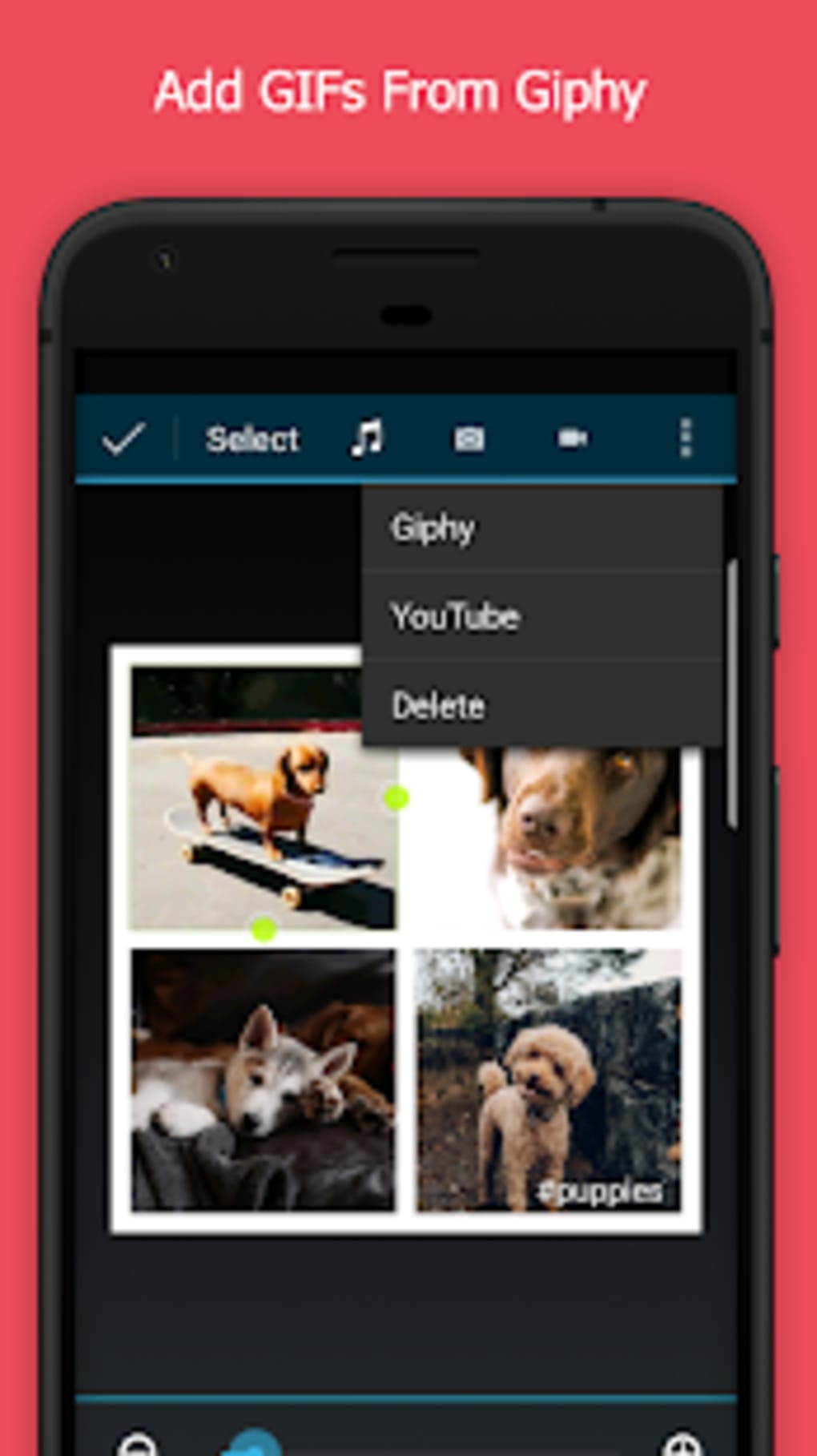
- Multi-Media Support: Combine photos, videos, GIFs, and text within a single video project, enhancing visual storytelling and engagement.
- Real-Time Preview: Visualize edits as they are applied, allowing users to make adjustments before finalizing the video.
- One-Tap Sharing: Direct sharing to major social media platforms including Facebook, Instagram, Snapchat, YouTube, Tumblr, and WeChat.
- Simple Workflow: Intuitive interface that guides users through the process of selecting media, applying templates, and exporting finished videos.
- Free Core Functionality: Full access to basic editing tools and templates without cost, with optional in-app purchases for premium content.
These features make PicPlayPost ideal for users who need to produce high-quality, share-ready videos in seconds. For example, a user can compile vacation photos and short clips into a travel montage using a seasonal template, add animated text, and share it directly to Instagram Stories. Similarly, a small business owner might create a promotional video from product images and customer testimonials, using a branded template to maintain consistency. The app’s focus on speed and accessibility ensures that users can deliver content without requiring prior editing experience.
User Interface, Workflow & Performance
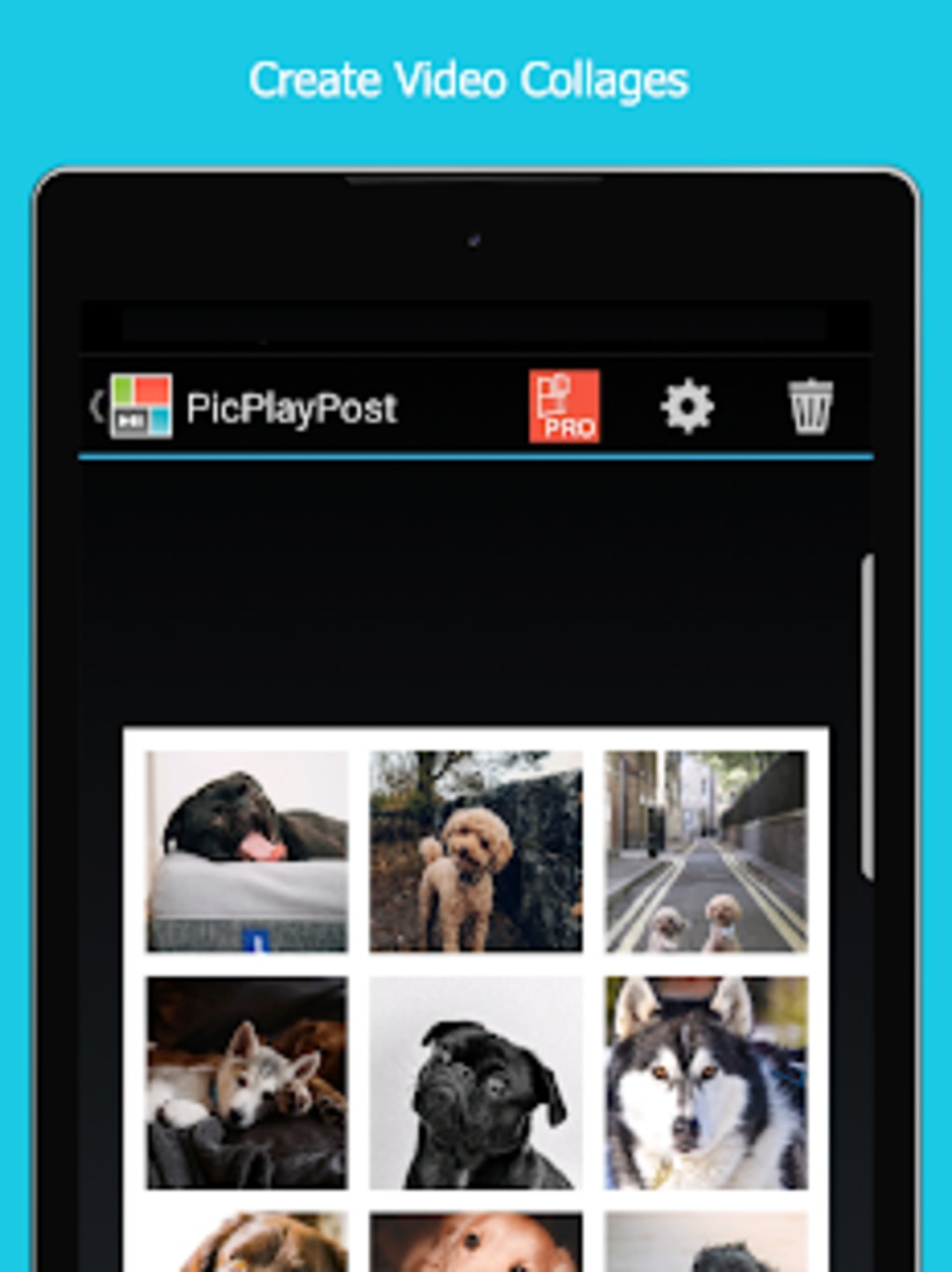
The user interface of PicPlayPost is structured around a clean, visual workflow that emphasizes simplicity and speed. The main screen presents a library of templates, with options to browse by category, theme, or style. Users can select a template, then drag and drop media files from their device’s gallery or camera roll into designated slots. The interface includes clear visual cues for adding text, adjusting timing, and previewing the final video.
Navigating through the app is straightforward, with minimal onboarding steps. The workflow is linear: choose template → add media → customize → preview → export → share. This design reduces friction for new users and maintains efficiency for repeat users. The app does not provide specific information on CPU or RAM usage, and exact performance details were not specified. However, based on general behavior of similar Android applications, performance may vary depending on device hardware and background processes.
Stability and responsiveness appear to be consistent with typical mobile apps in this category. The developer did not specify resource usage details. Users are advised to ensure their device meets baseline Android requirements for smooth operation. No reports of crashes or freezes were mentioned in the provided data.
Compatibility & System Requirements
PicPlayPost is designed exclusively for Android devices and is compatible with Android 6.0 and above, though the exact minimum version was not specified. The app has a download size of 48.5 MB, which is relatively lightweight for a multimedia editing tool. Installation is straightforward through the Google Play Store or direct APK download.
Hardware requirements were not provided. Users should ensure their device has sufficient storage space and a functional camera and media library access. The app supports standard Android media formats, but compatibility with less common file types cannot be confirmed without further details. The developer did not list specific device recommendations or limitations based on screen size or processor speed.
Platform compatibility information is limited to Android, with no indication of support for iOS, Windows, or Mac. The app’s version is listed as 1.2.4, and it was released on April 8, 2024. No updates or changelogs were included in the provided data.
Pros and Cons
Pros
- Free to download and use with no mandatory subscriptions
- Thousands of ready-made templates for instant video creation
- Supports multiple media types: photos, videos, GIFs, and text
- One-tap sharing to major social media platforms
- Intuitive interface suitable for beginners and casual users
- Fast video production with minimal editing steps
Cons
- No information provided on system requirements or device compatibility beyond Android
- Performance behavior under heavy use or on older devices is unknown
- Optional in-app purchases may limit access to premium templates and features
- Limited to Android; no support for other operating systems
- Exact resource usage (CPU, RAM) was not disclosed
FAQ Section
Is PicPlayPost available for iOS devices?
PicPlayPost is currently available only for Android. There is no official version for iOS devices at this time.
Is the app safe to download and use?
The app is published by Flambe Studios LLC and distributed through official channels. It is free to download, but users should ensure they are downloading from trusted sources to avoid third-party modifications.
Are there any in-app purchases?
Yes, the app offers optional in-app purchases to unlock premium templates, effects, and features. The core functionality remains free.
Can I use PicPlayPost offline?
Yes, once installed, the app can be used without an internet connection. However, some features like template updates or sharing may require connectivity.
How often is the app updated?
The latest version, 1.2.4, was released on April 8, 2024. The frequency of future updates is not specified.
Final Thoughts + CTA
PicPlayPost stands out as a streamlined, accessible solution for Android users who want to create professional-looking videos quickly and easily. Its template-driven approach removes the learning curve associated with traditional video editing software, making it ideal for social media content creators, event organizers, and casual users. While it lacks advanced editing tools, its strength lies in speed, simplicity, and seamless sharing capabilities.
For individuals seeking a free, reliable tool to produce engaging visual content for platforms like Instagram, Facebook, or YouTube, PicPlayPost delivers strong value. The absence of system requirements and performance data limits deeper technical evaluation, but the app’s lightweight size and mobile-first design suggest broad accessibility.
Whether you're compiling memories, promoting a business, or simply sharing moments, PicPlayPost enables you to do so with minimal effort. Download PicPlayPost now to start creating stunning video collages and slideshows in seconds.
Guides & Tutorials for PicPlayPost Collage Maker Slideshow Video Editor APK
How to install PicPlayPost Collage Maker Slideshow Video Editor APK
- Click the Preview / Download button above.
- Once redirected, accept the terms and click Install.
- Wait for the PicPlayPost Collage Maker Slideshow Video Editor APK download to finish on your device.
How to use PicPlayPost Collage Maker Slideshow Video Editor APK
This software is primarily used for its core features described above. Open the app after installation to explore its capabilities.
User Reviews for PicPlayPost Collage Maker Slideshow Video Editor APK 0
No reviews found





